Budget Ally

Personal Project

My Role

Visual design, flows, logo, and App Store screenshots. Built together with my partner.

Timeline

2 Months (Concept to Launch)

Overview

Budget Ally started as a way for my partner and me to track our shared spending without needing a full budgeting app. We didn't want to link our bank accounts, we just wanted a simple, shared view of how much we'd spent this month against a limit we'd agreed on.

My partner and I built this together. I designed how it looks and how it flows, plus the logo and the App Store screenshots, while my partner handled engineering. Two months later, it launched on the App Store as "Spending Tracker: Budget Ally."

It's a small app for tracking spending as a group, fast expense logging, monthly limits, and a simple read on where the money's actually going.

Context

Why we built this

🎓

A Learning Project

This was also my first time building a mobile app from scratch, so we kept the scope small and simple on purpose, just enough to ship and learn.

🎯

Radically Simple

Most budgeting apps assume you want full financial planning. We just wanted a running total and a limit we could both see.

🤝

Built for Two (and More)

Designed first for a couple splitting day-to-day spending, and flexible enough for roommates or trip groups too.

How It Works

A shared view of where the money goes

Shared Pockets

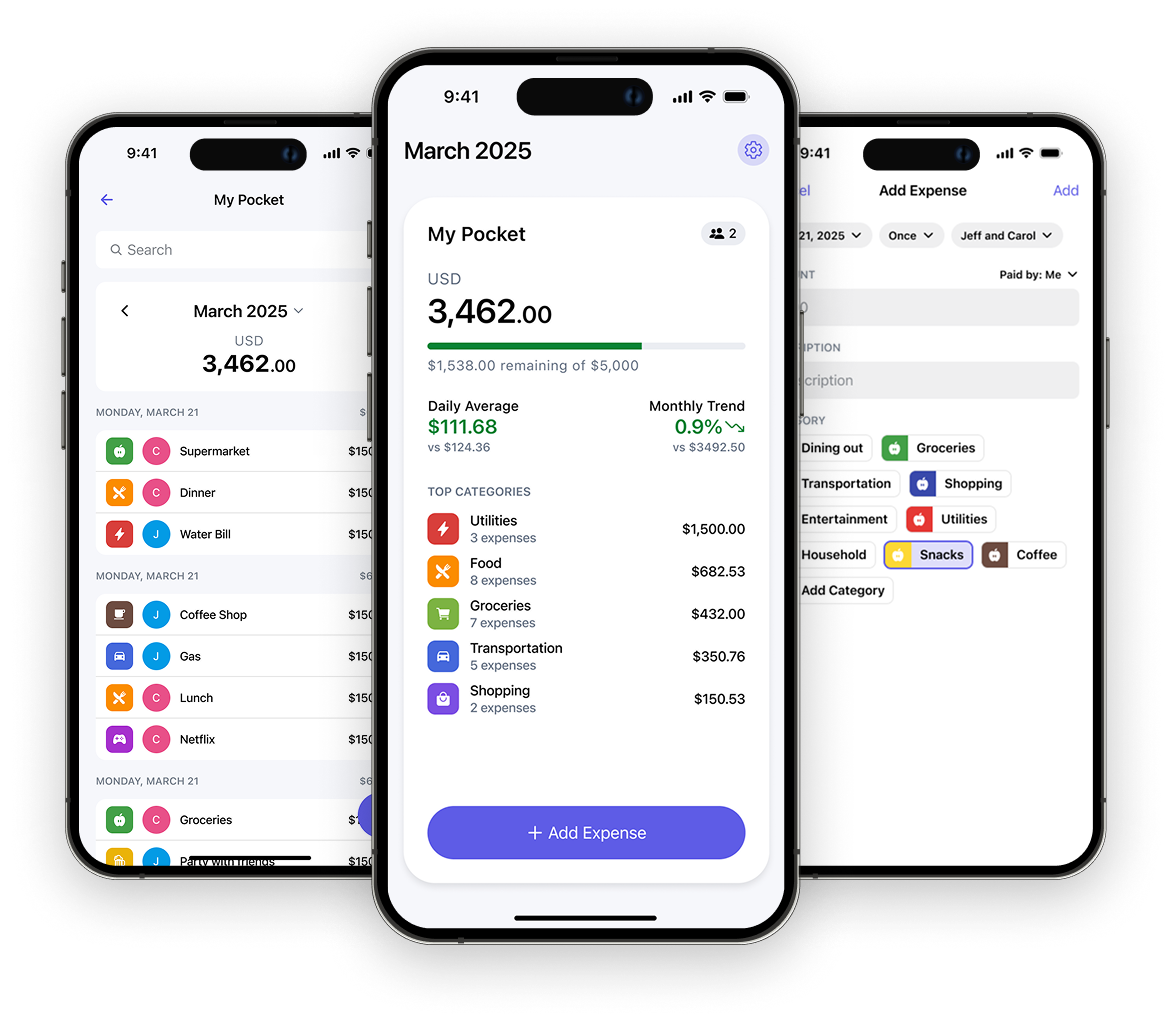
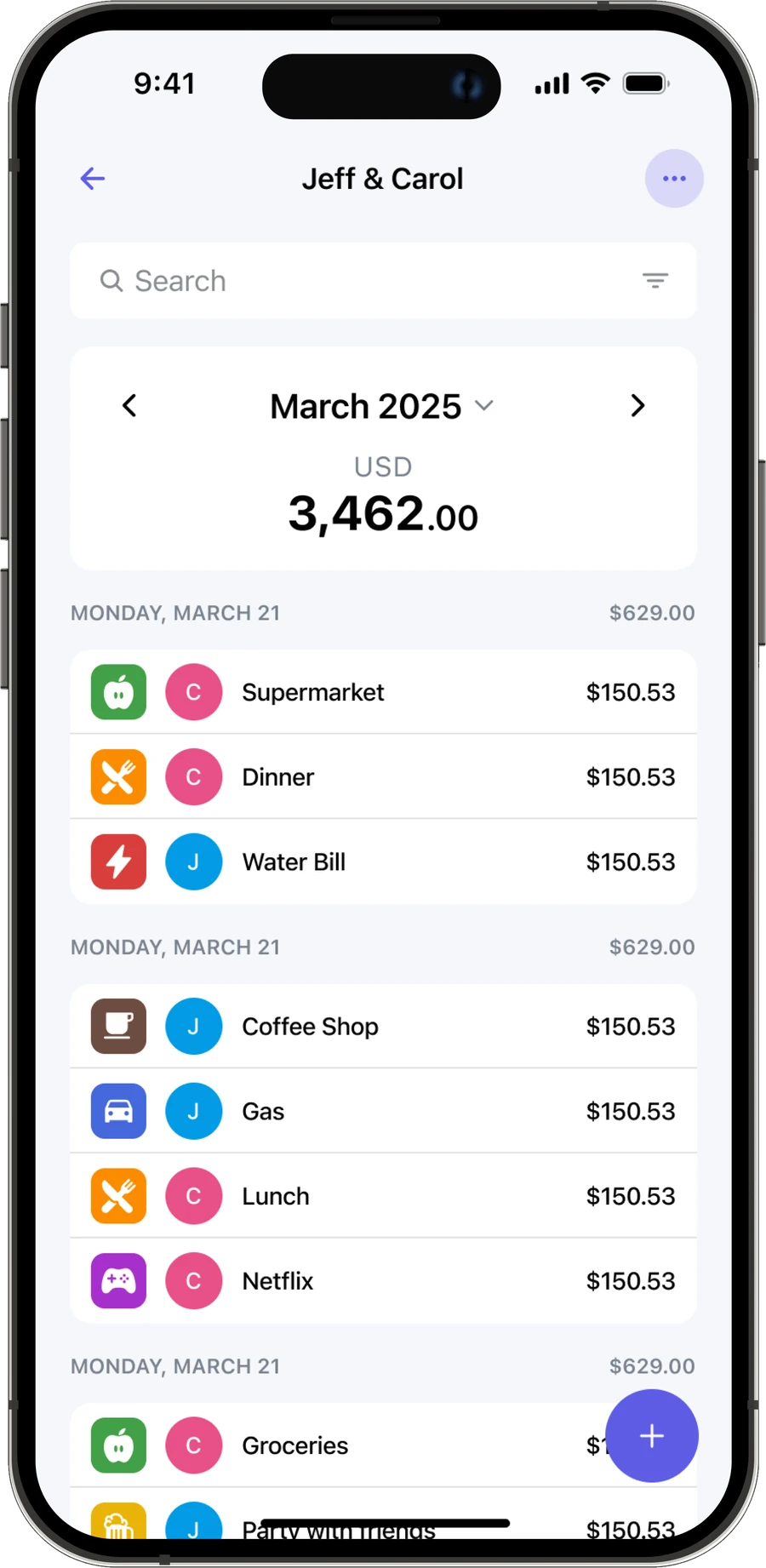
Every group (a couple, a household, a trip) gets its own Pocket with its own monthly limit. Setting one up shouldn't take more than a few taps, so it only asks for a name and a limit before you can start logging.

Budget Ally shared pocket screen for Jeff & Carol

Adding an Expense, Fast

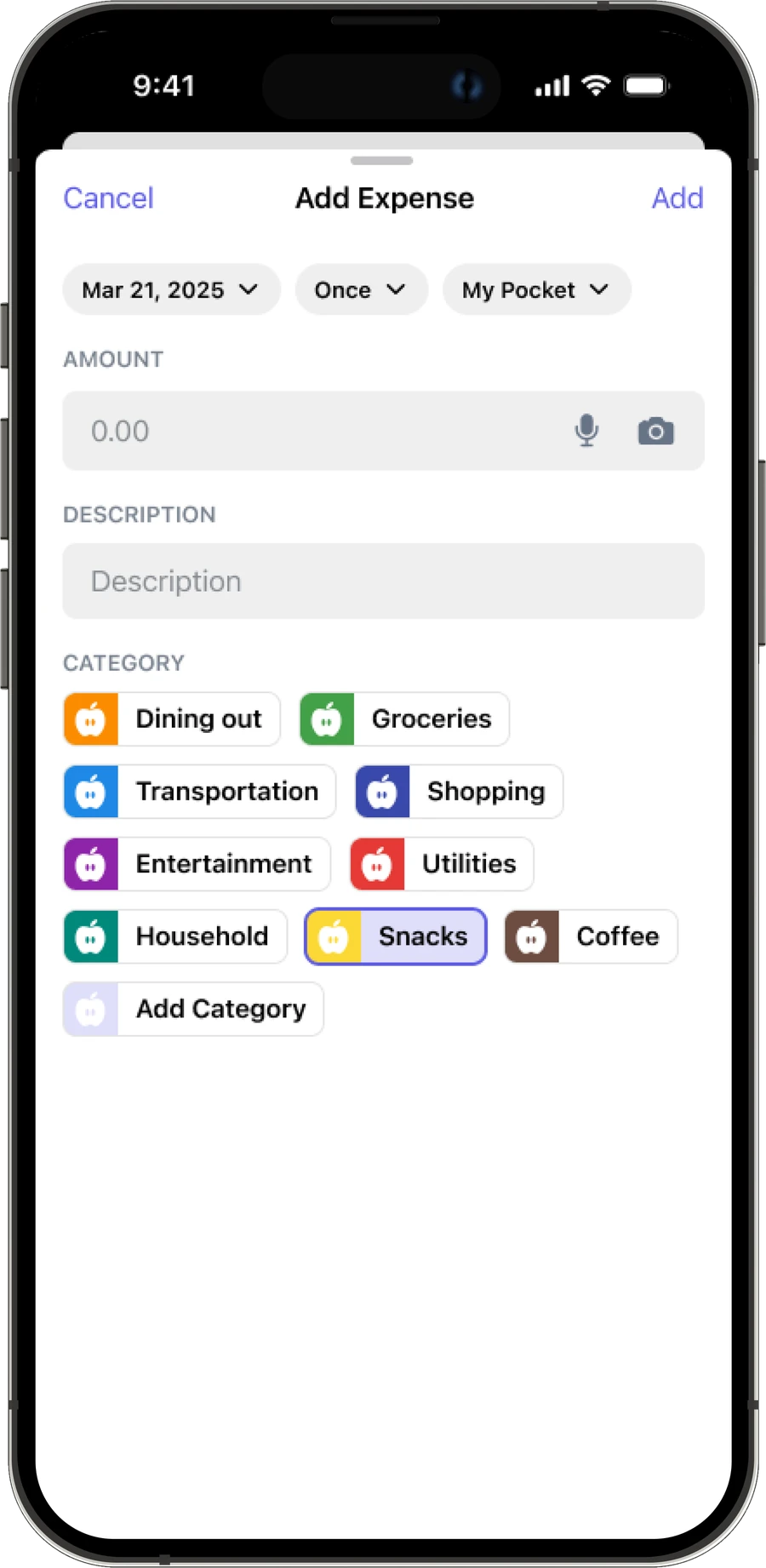
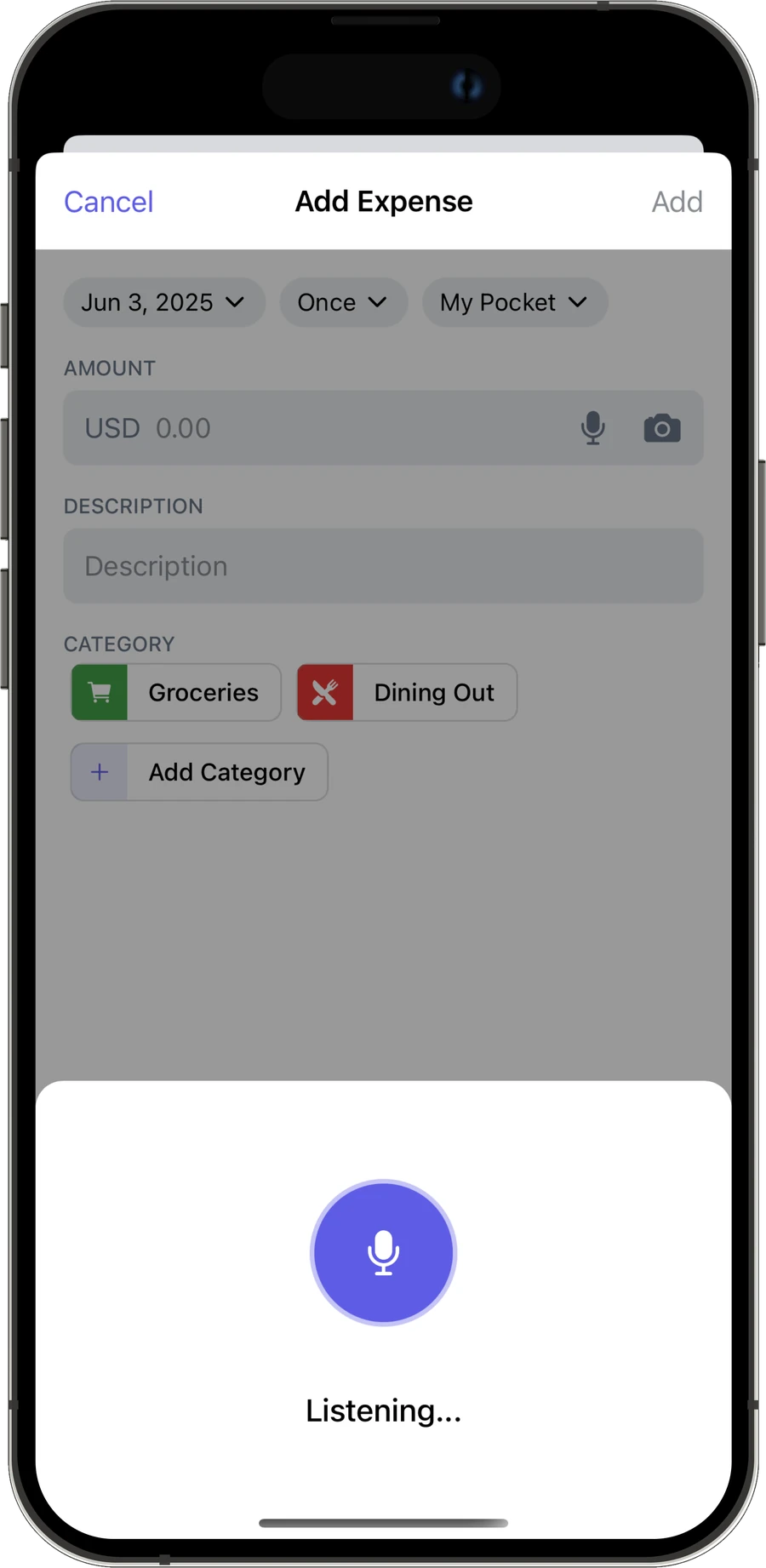
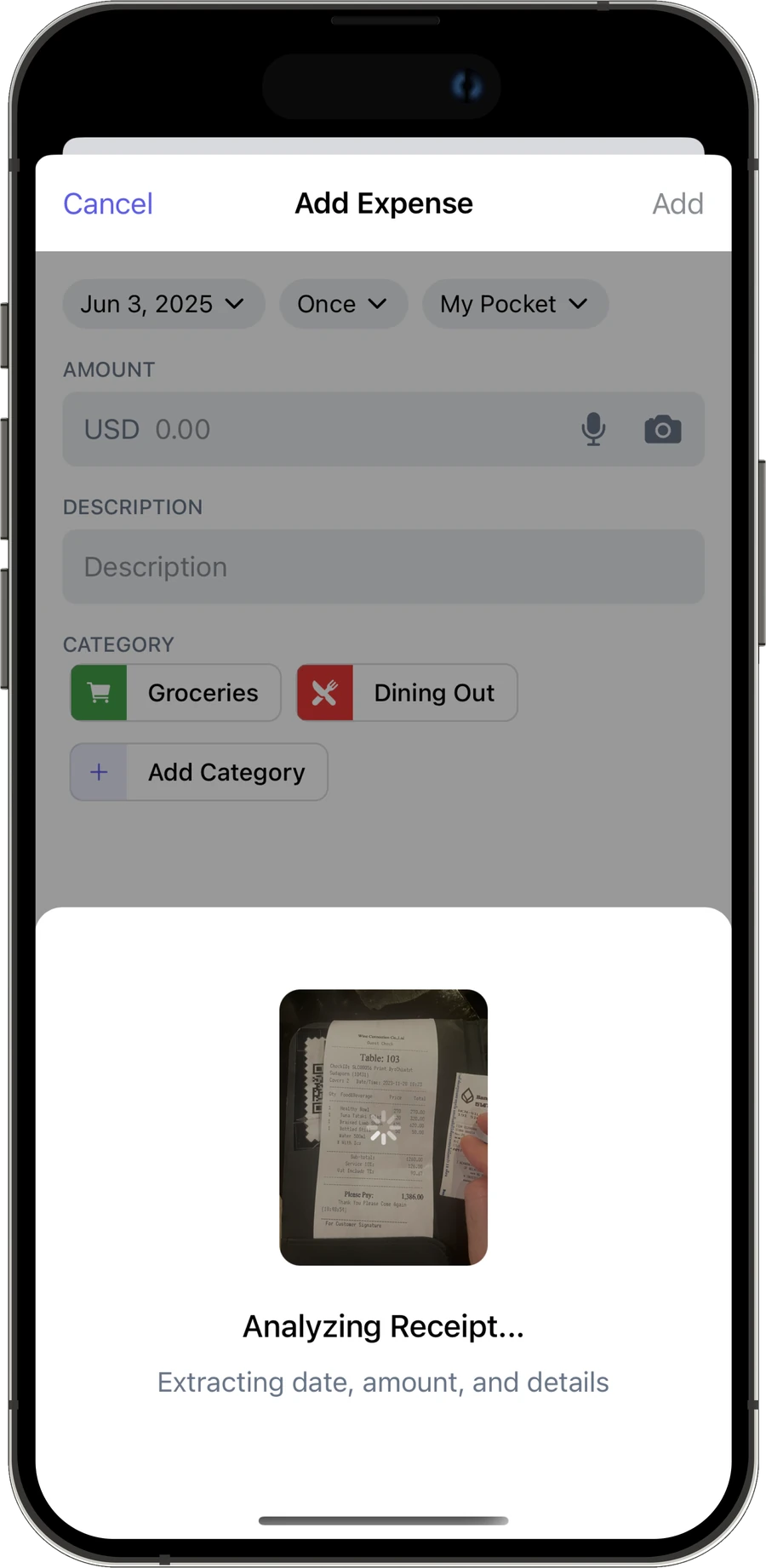
The hardest part of a two-person expense tracker is making entry fast enough that people actually do it. By default you only need an amount, a description, and a category. I also added voice input and receipt scanning for when typing feels like too much friction.

Add Expense form with fields for amount, description, and category

One Glanceable Number

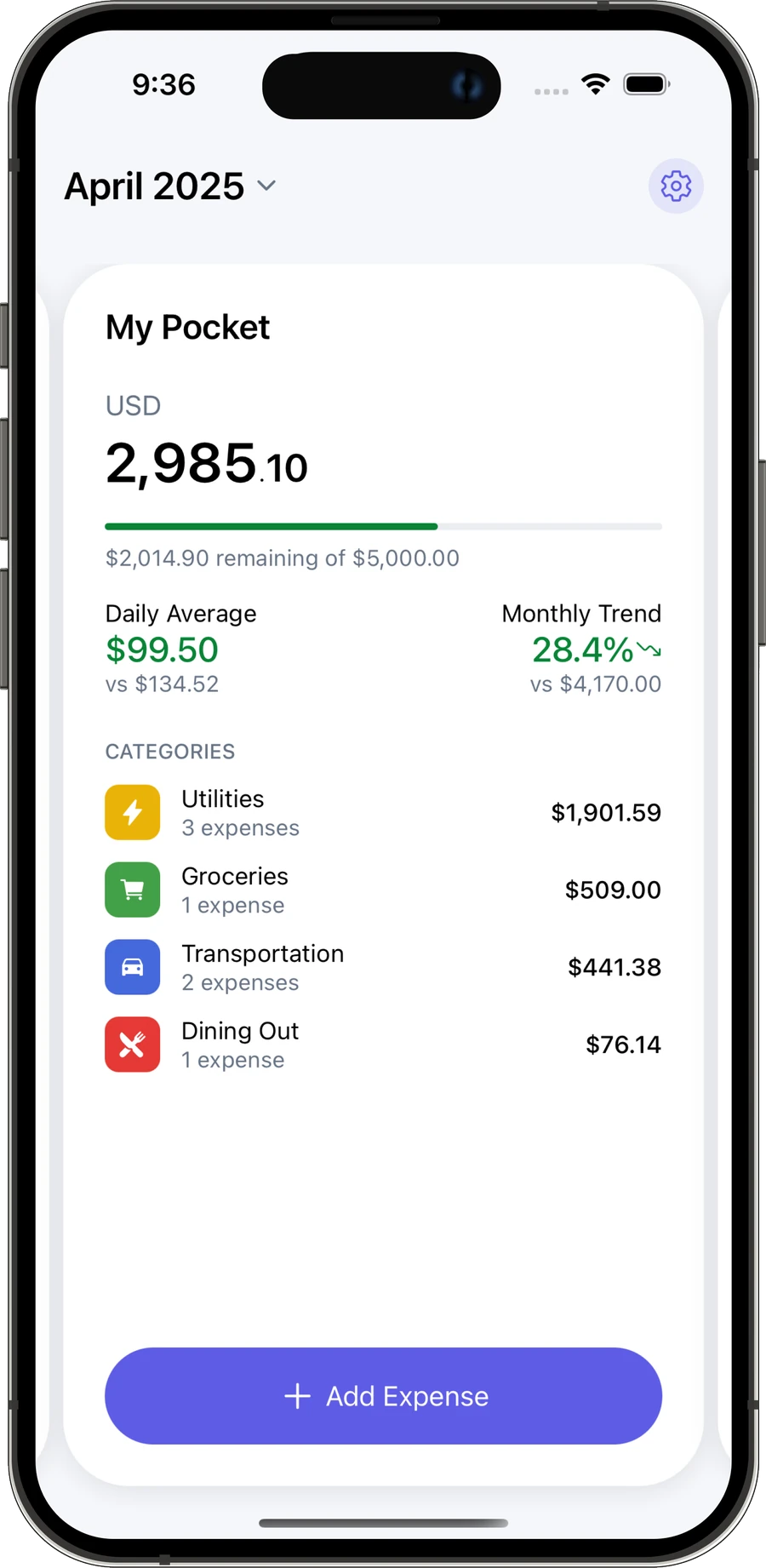
The home screen had to answer one question at a glance: are we on track this month? Daily average, trend vs. last month, and category breakdown are all there, but shown more quietly, so the number that matters most never gets lost.

Showing Jeff & Carol, 1 of 4

Catching Subscriptions Before They Surprise You

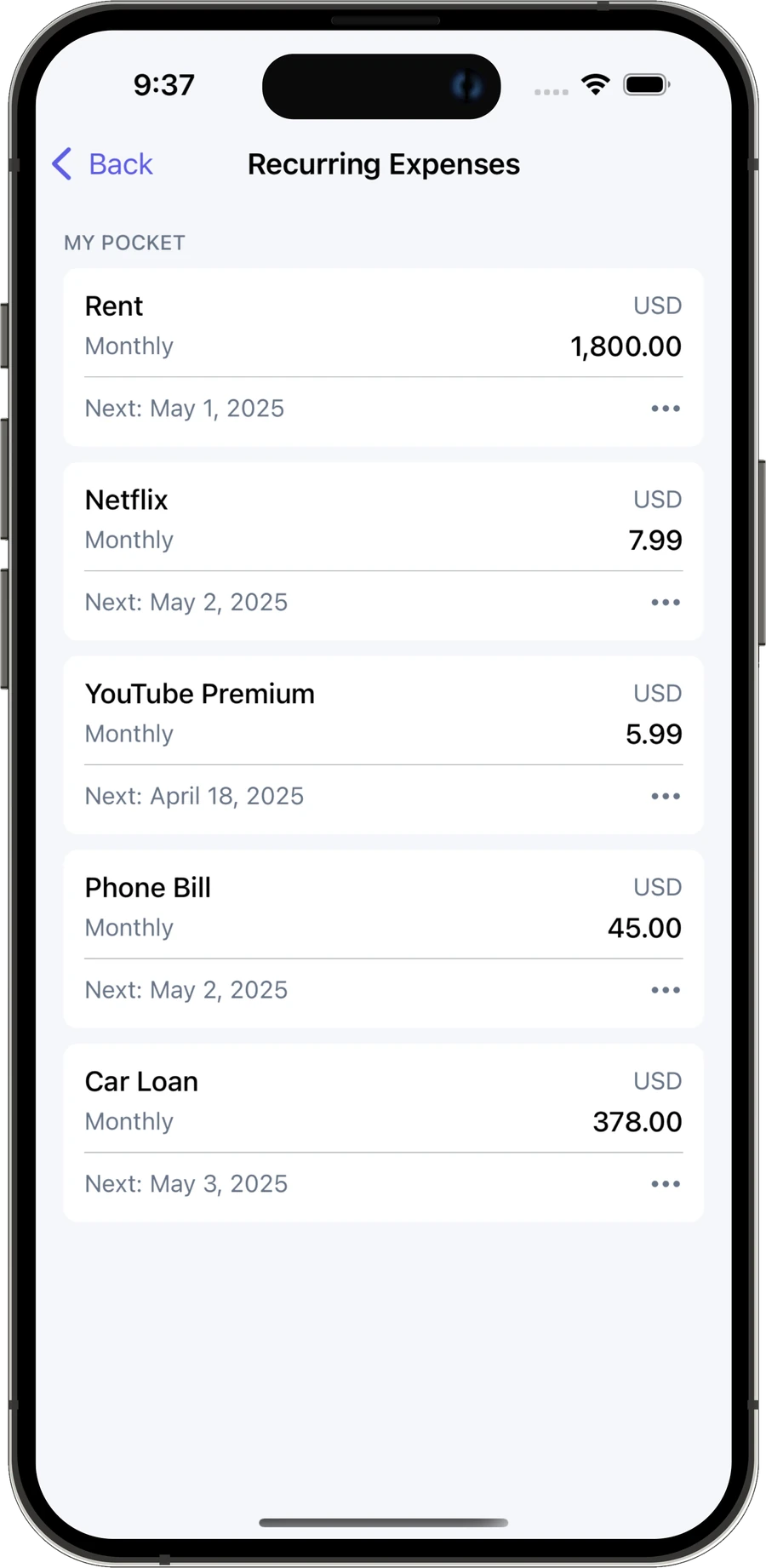
Shared subscriptions like rent, streaming, and phone bills are the easiest spending to lose track of in a shared budget. Recurring Expenses lists them separately, so a $1,800 rent payment doesn't get buried next to an $8 coffee.

Budget Ally Recurring Expenses screen listing rent, Netflix, YouTube Premium, phone bill, and a car loan

Branding

Designing the Brand

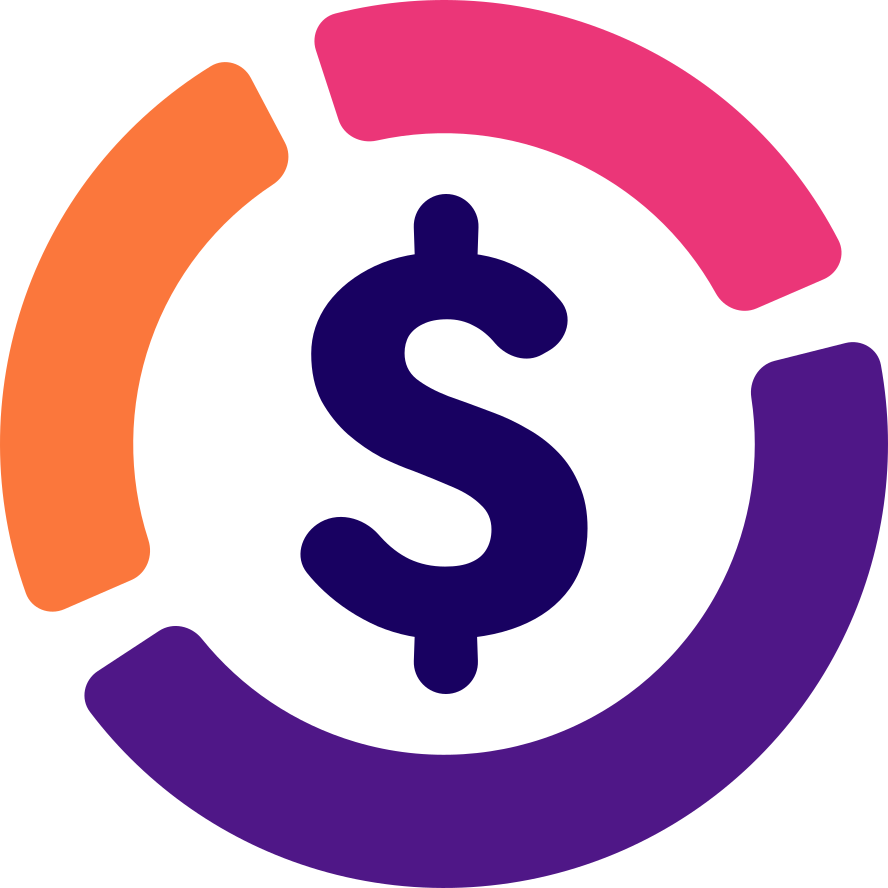
The logo takes inspiration from a pie chart, combining colorful segments with a dollar sign to represent spending and show where the money goes.

Light theme
Budget Ally mark in its light theme colours: a deep navy dollar sign inside an orange, pink, and purple donut

#180161

#4F1787

#EB3678

#FB773C

Dark theme
Budget Ally mark in its dark theme colours: a white dollar sign inside a brightened orange, pink, and purple donut

#FFFFFF

#9334F2

#FF669E

#FFA47B

The app icon

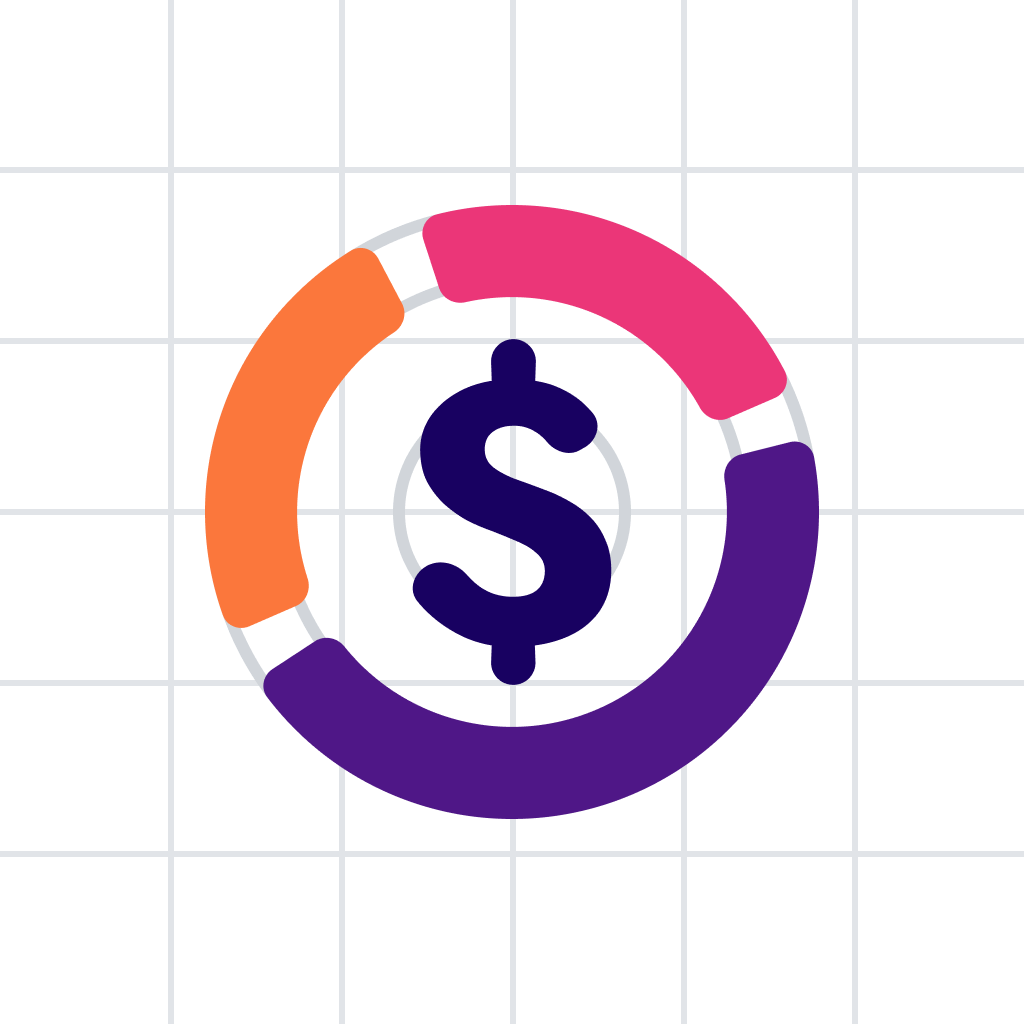
Construction & optical alignment
Budget Ally dollar-sign and donut mark aligned to a construction grid
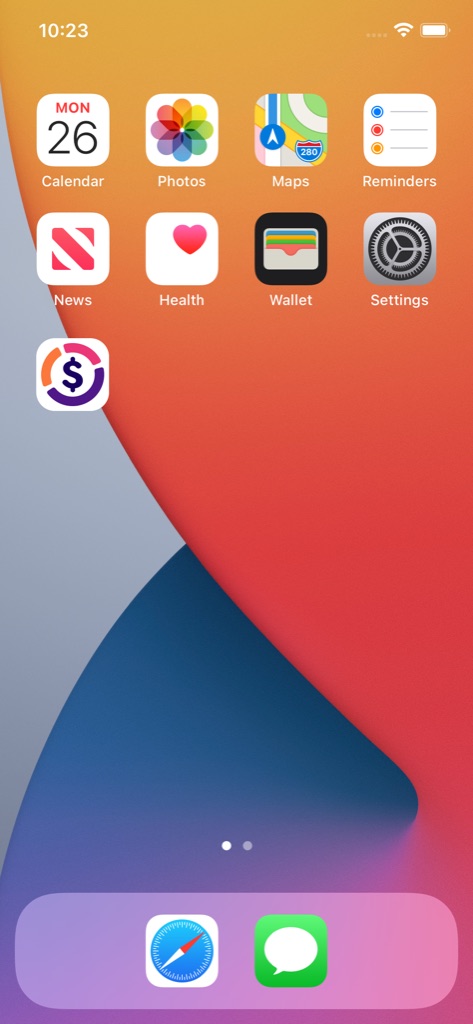
On device
Budget Ally app icon shown among other apps on an iPhone home screen

Light and dark mode

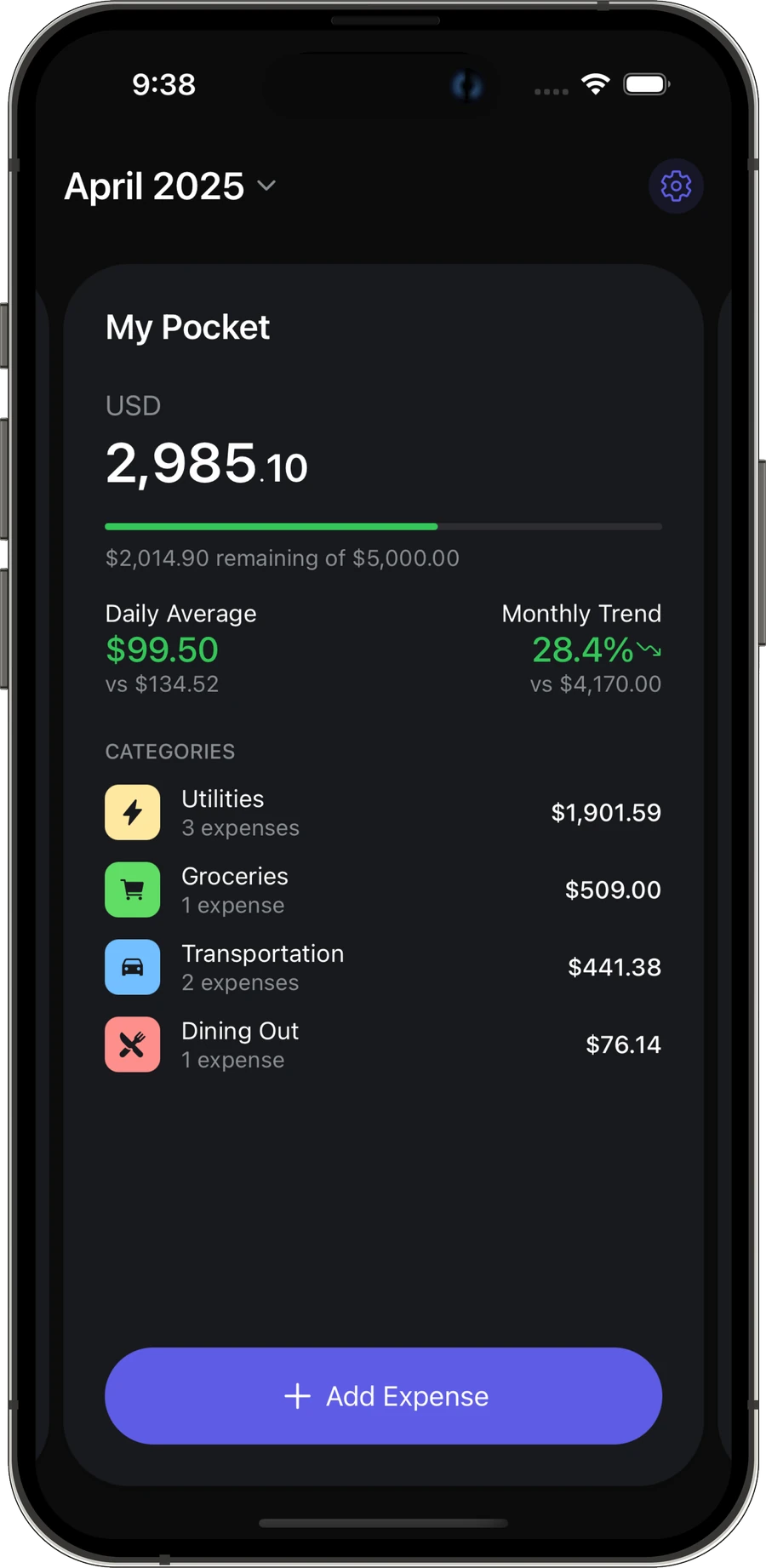
Dark mode took more work than I expected, especially getting the category colors right.

Budget Ally Pocket overview in light mode

Showing light mode preview

Results

Live on the App Store

Budget Ally shipped two months after I started designing it, under the name "Spending Tracker: Budget Ally." My partner and I use it every month, and it's fully replaced the spreadsheet we used before.

Downloads have been modest. Shared-expense tracking is a crowded category, and without a marketing budget, getting anyone outside our household to find the app has been the hardest part of this whole project.

Lessons

What I've Learned

🚀

Shipping Is Not the Finish Line

Design and engineering turned out to be maybe half the work. The rest is product-market fit, App Store keyword research, and screenshots that sell the idea. I'm still learning that part.

🎯

Learning App Store Optimization

After shipping, I learned App Store Optimization is its own discipline: which keywords people search, how the icon and screenshots perform against competitors. None of that comes from design instinct alone.

🤝

What Daily Use Couldn't Tell Me

My partner and I used Budget Ally every day, so I always knew if a feature actually worked. What that couldn't tell me is whether anyone outside our household wants this app at all.

Home About me LinkedIn Let's talk